
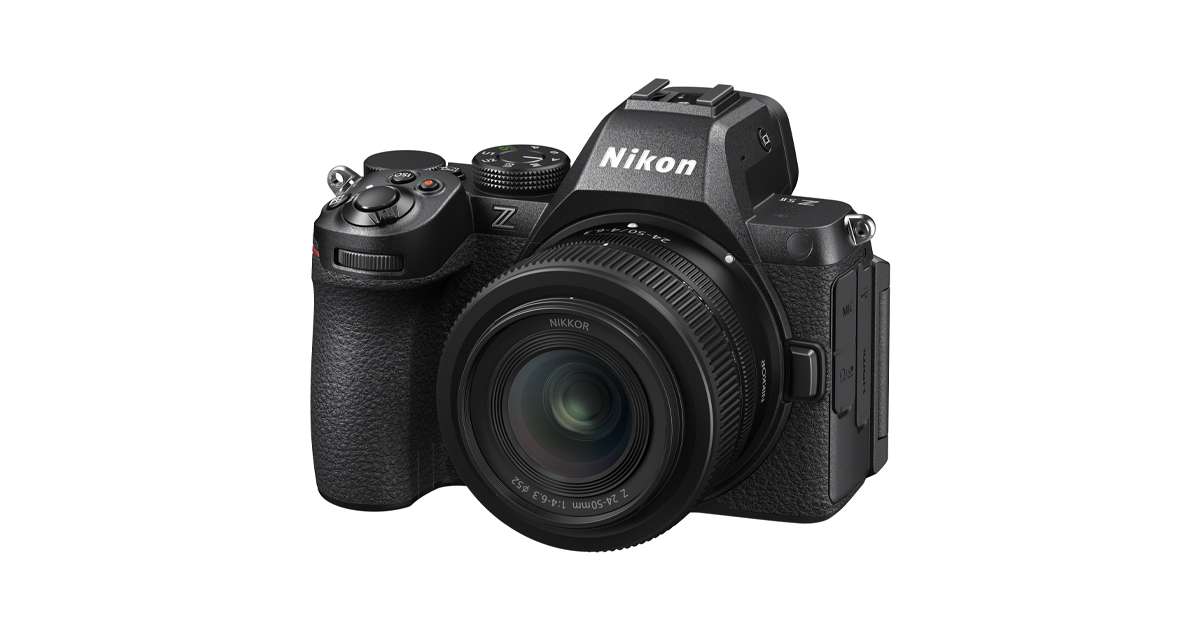
In short: camera stabilization explained simply — in-body stabilization moves the sensor, lens stabilization moves glass inside the lens, and neither freezes a moving subject. Both only cancel your movement. Ratings are impressive on paper: 7.0 stops on the Fujifilm X-E5, up to 7.5 on the Nikon Z5II. Some cameras have none at all for stills.
Camera stabilization explained is worth the space: it is the most useful camera feature that is most often misunderstood. It buys you slower shutter speeds in dim light. It does nothing whatever about a subject who is moving, which is the source of most disappointment about it.
How we approached this
This explains the mechanisms and quotes manufacturer ratings. RankBoast has not measured stabilization performance and publishes no test results — see our review methodology.
What stabilization actually cancels
Every stabilization system corrects for movement of the camera. It detects shake and compensates, either by shifting the sensor or by shifting an element inside the lens. That lets you hand-hold a slower shutter speed than you otherwise could.
What it cannot do is stop a subject. If a child is running, the shutter speed needed to freeze them is the same whether or not the camera is stabilized. Understanding that single distinction is most of camera stabilization explained, and it prevents the most common purchasing mistake.
Camera stabilization explained: IBIS, lens IS and both
| Type | How it works | Strength |
|---|---|---|
| IBIS (in-body) | Moves the sensor, typically on five axes | Works with any lens, including manual ones |
| Lens IS (optical) | Moves an element inside the lens | Often better on long telephotos; stabilises the viewfinder image |
| Combined | Body and lens coordinate | Generally the strongest, when both support it |
| Digital / electronic | Crops and shifts the frame in software | Video only; costs field of view and some resolution |
That last row matters when reading specifications. A camera can advertise stabilization that applies only to video: Fujifilm publishes digital image stabilization on the GFX100RF as available in movie mode only, with no in-body stabilization for stills.
What a stops rating means, and its limits
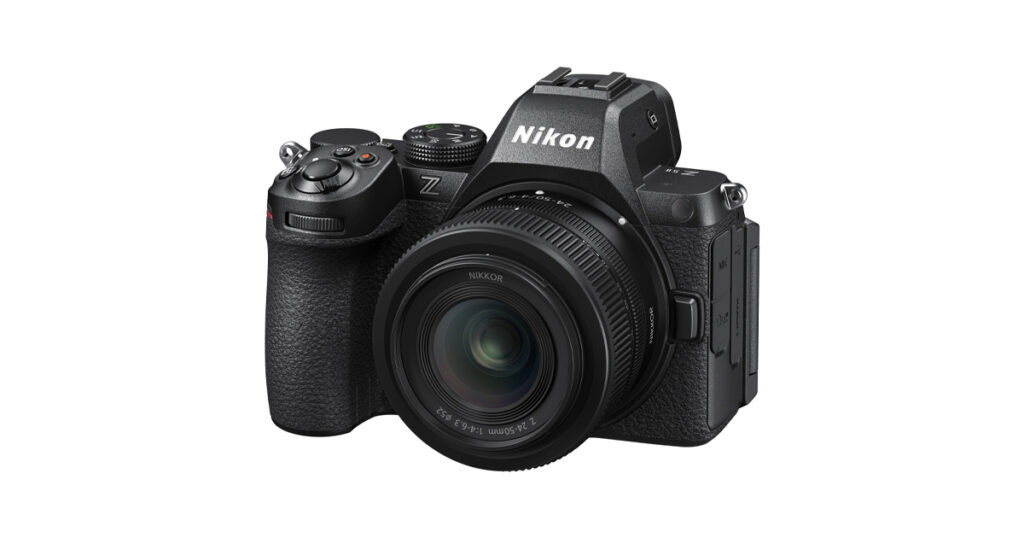
Stabilization is rated in stops — how many times you can halve the shutter speed and still get a sharp frame. Current ratings are genuinely high: Fujifilm publishes 7.0 stops in the center and 6.0 at the periphery for the X-E5, under the CIPA 2024 standard. Nikon publishes up to 7.5 stops for the Z5II.
Read those with two caveats. First, they are measured under favorable laboratory conditions with specific lenses; your results depend on your technique, your breathing and how you hold the camera. Second, the peripheral figure is usually lower than the center figure, as Fujifilm’s own two numbers show — corners are harder to stabilise than the middle.
Treat ratings as an ordering between bodies, not a promise of shutter speeds.
When stabilization is the wrong tool
- Moving subjects. Raise the shutter speed. Stabilization is irrelevant.
- Long exposures. Beyond a second or two, use a tripod and switch stabilization off — some systems hunt when perfectly still.
- Panning and video movement. A gimbal handles deliberate motion; stabilization handles incidental shake.
- Very long telephoto. Lens-based stabilization usually helps more, and a monopod helps more than either.
Common mistakes
Expecting it to freeze motion. The single most common misunderstanding.
Leaving it on a tripod. Check your manual; some systems degrade when the camera is completely still.
Reading video-only stabilization as stills stabilization. Check which mode a specification applies to.
Trusting the stops rating literally. It is a laboratory figure and an ordering, not a guarantee.
Buying a body for stabilization when a faster lens would do. Often cheaper and it also helps with subject motion.
What to prioritize
- Low-light handheld stills: IBIS matters a great deal. Prioritize it, and add a fast prime.
- Sport and action: shutter speed and autofocus matter far more — see our autofocus explainer.
- Handheld video: IBIS plus electronic stabilization, accepting the crop.
- Landscape and architecture: a tripod outperforms any stabilization system.
- Long telephoto: lens stabilization and physical support.
Verdict
Stabilization cancels your movement, not your subject’s. Buy it for dim static scenes and handheld video, ignore it for action, and check whether a body’s stabilization applies to stills at all — because at least one current camera’s does not. With that clear, camera stabilization explained turns out to be a narrow, valuable feature rather than a general cure for blur.
What we would need to test to say more
Verifying stabilization would require a fixed low-light scene shot at matched shutter speeds across many repetitions per body and lens combination, with sharpness assessed consistently. We have not done that. The ratings quoted are manufacturer figures, labeled as such.
Sources and methodology
All specifications are manufacturer values from the official pages linked below, retrieved August 2026. Stabilization ratings follow the CIPA 2024 standard where the manufacturer states it, and are measured under favorable laboratory conditions. RankBoast has not tested these cameras or lenses and received no samples. Research and drafting were AI-assisted. Errors are handled under our corrections policy.
Source links
Join the discussion
Add useful context, ask a focused question or share relevant experience. Comments are moderated to protect readers from spam and promotional links.
Leave a thoughtful comment